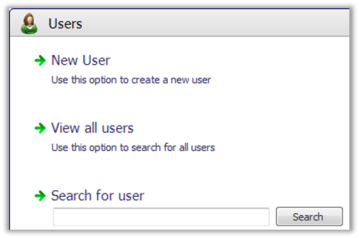
To work with Site Manager users select Security > Users
The options available here are to:

It is best to create user groups first.
Select the New User option to create a user. This opens the New user wizard.
You can then create a new Standalone User or a new Active Directory User.
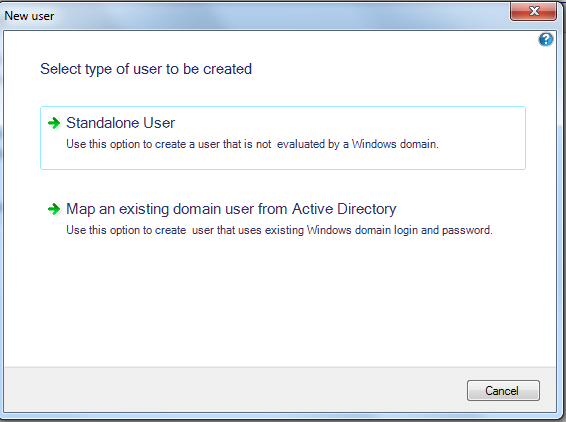
You can then choose the user group and user permissions, set the POS user settings in the User view as well as change the user password.
| Updated: | 1st February 2015 |
| Version: | LS One 2015.1 |

Copyright © 2015 LS Retail ehf. All rights reserved.
